A static grid on a screen.
Basic editing and alerts. For some households, that’s enough.
Wall calendar + companion app
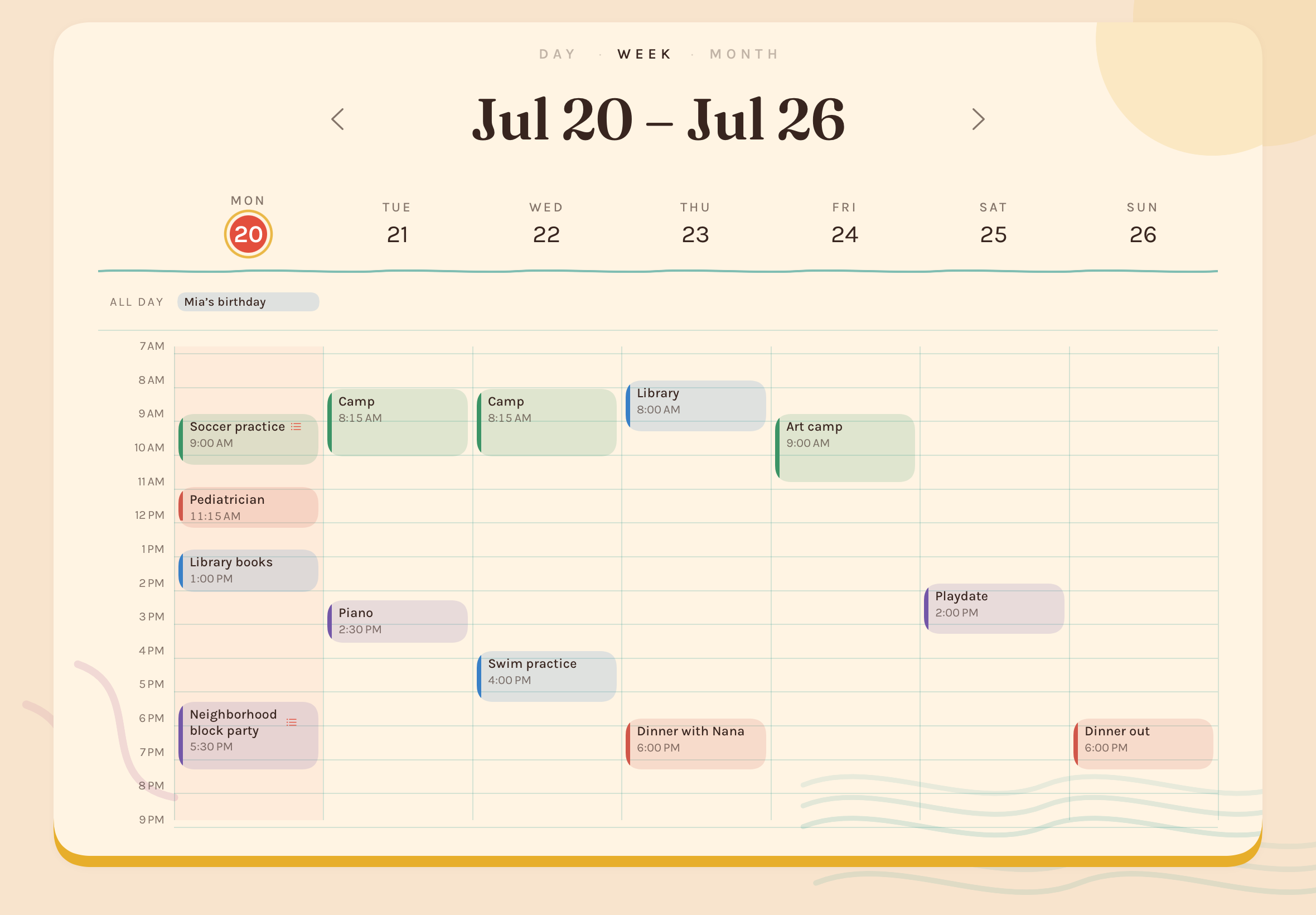
Your calendar keeps the schedule. Lightkeep makes it readable across the room, turns paper invitations into events, and highlights what the household needs today.
Why Lightkeep
Apple Calendar stays the source of truth. Lightkeep helps everyone see the schedule and notice what’s needed, when they need it.
Basic editing and alerts. For some households, that’s enough.
Custom wall views, phone-based invitation scanning, and timely household context turn the calendar into something much more useful.
How Lightkeep works
Lightkeep gives each device one clear job. Your family’s calendar stays the source of truth; Lightkeep makes it easier to add events and notes and streamlines planning.
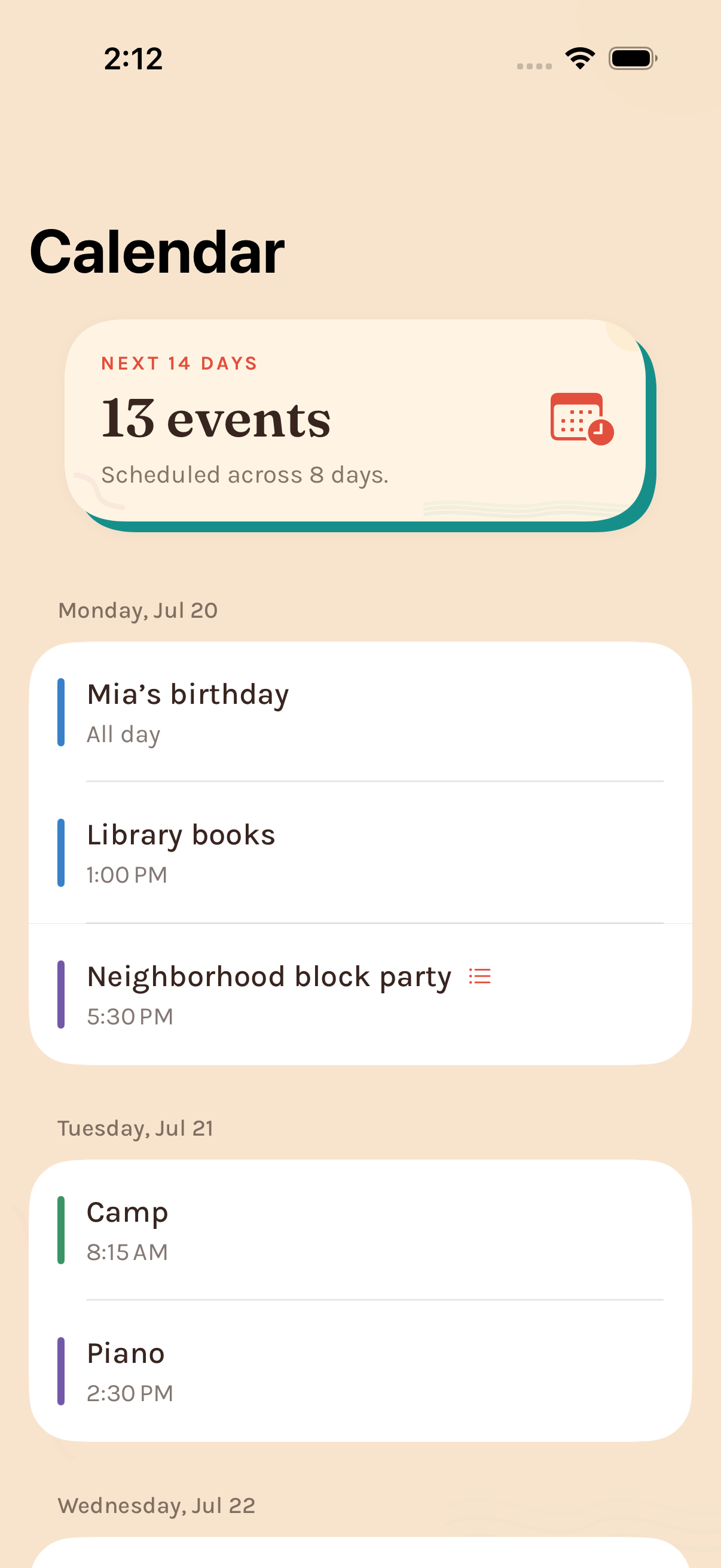
Connect calendars, manage events, and scan the paper invitations that pile up.
Events sync through Apple’s calendar and iCloud services—not a separate Lightkeep calendar.
Day, Week, and Month views keep the household plan readable at a glance.
Invitations + reminders
Lightkeep scans paper invitations into the calendar, then shows the right event details and reminders when the household needs them.
Lightkeep reads the useful details. You review the title, date, time, and place before anything is added to your calendar.
Basic includes five scans each month. Pro includes more.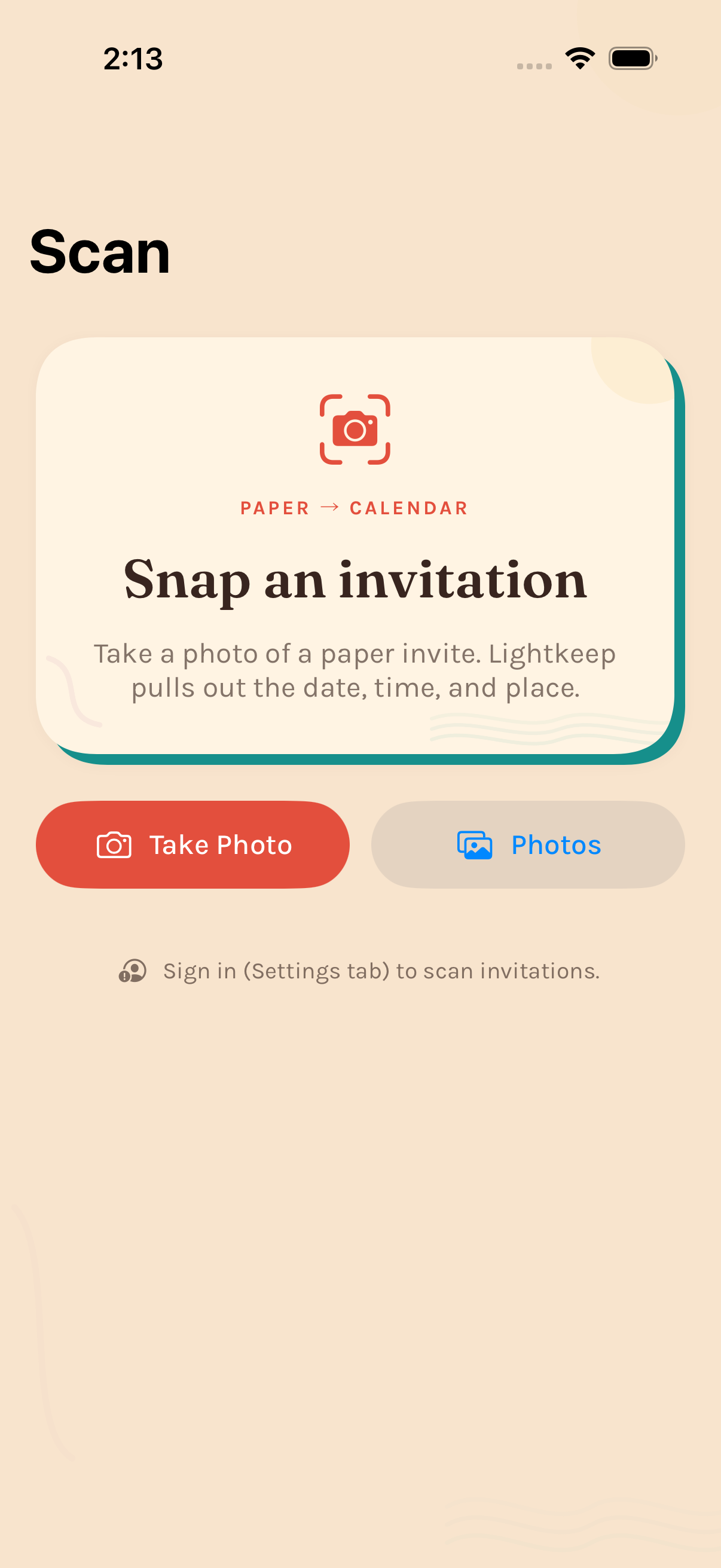
Items linked to today’s events and recurring reminders appear above the calendar in the morning to help you get out the door with everything you need.
“Did You Forget?” is a Pro feature.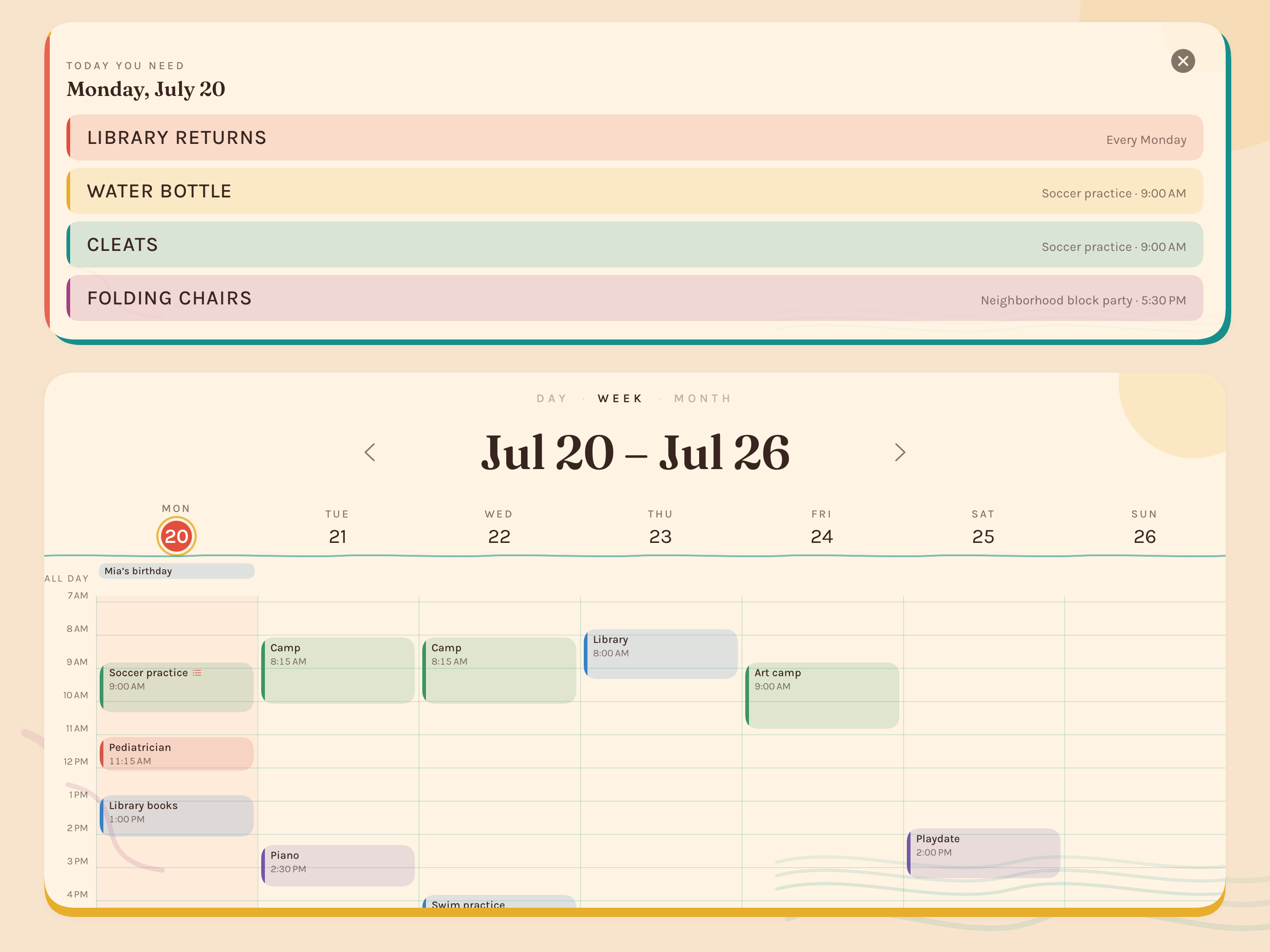
Six identities, one familiar calendar
Each identity changes its typeface, geometry, and color scheme, but not the familiar calendar structure.
Lightkeep Basic + Lightkeep Pro
Lightkeep is free to download. Basic includes the everyday calendar and five invitation scans each month. Pro adds more scans, five additional identities, countdowns, reminders, and wall notes.
A real household calendar, not a limited preview.
Calendar data remains yours whether or not you subscribe.
More scans, five additional identities, countdowns, reminders, and wall notes.
Or $4.99 monthly. Eligible new annual subscribers can try Pro free for one month.
What to know
Events and household data live on your devices and in your iCloud. Lightkeep does not sell personal data or use it for advertising.
Read the privacy policyLightkeep requires iOS or iPadOS 18 or later and uses Apple Calendar, iCloud, and Sign in with Apple. Everyone in the household uses Lightkeep on their own iPhone or iPad, and the wall iPad can be one you already own.
When you scan an invitation, the selected photo is securely processed but not saved on Lightkeep’s server. If you add the event, the app keeps a reduced copy on your devices and in your household’s iCloud so you can reopen it. You can remove that copy without deleting the calendar event.
Why this exists
“I kept seeing families being asked to buy another expensive screen and pay for a subscription covering features they didn’t need. I wanted Lightkeep to be able to use the iPad they already had—and be useful without paying anything at all.”
“I use Lightkeep to keep my family and two kids organized. What we experience—and what users tell me—helps me decide what to build next.”
— Jeff Surette, founder of LightkeepComing soon
Lightkeep is in active development and device testing. Join the waitlist and we’ll let you know when it’s ready.
You’re on the list. We’ll email you when Lightkeep launches.